
USB Connection
(If you connected your wheel via passthrough during the mounting step, you can skip this chapter.)
NOTE
Using a powered USB hub helps prevent connectivity issues. We highly recommend the following
connection method:
(For best stability max. USB Cable length
3m)
Connect to PC
Software
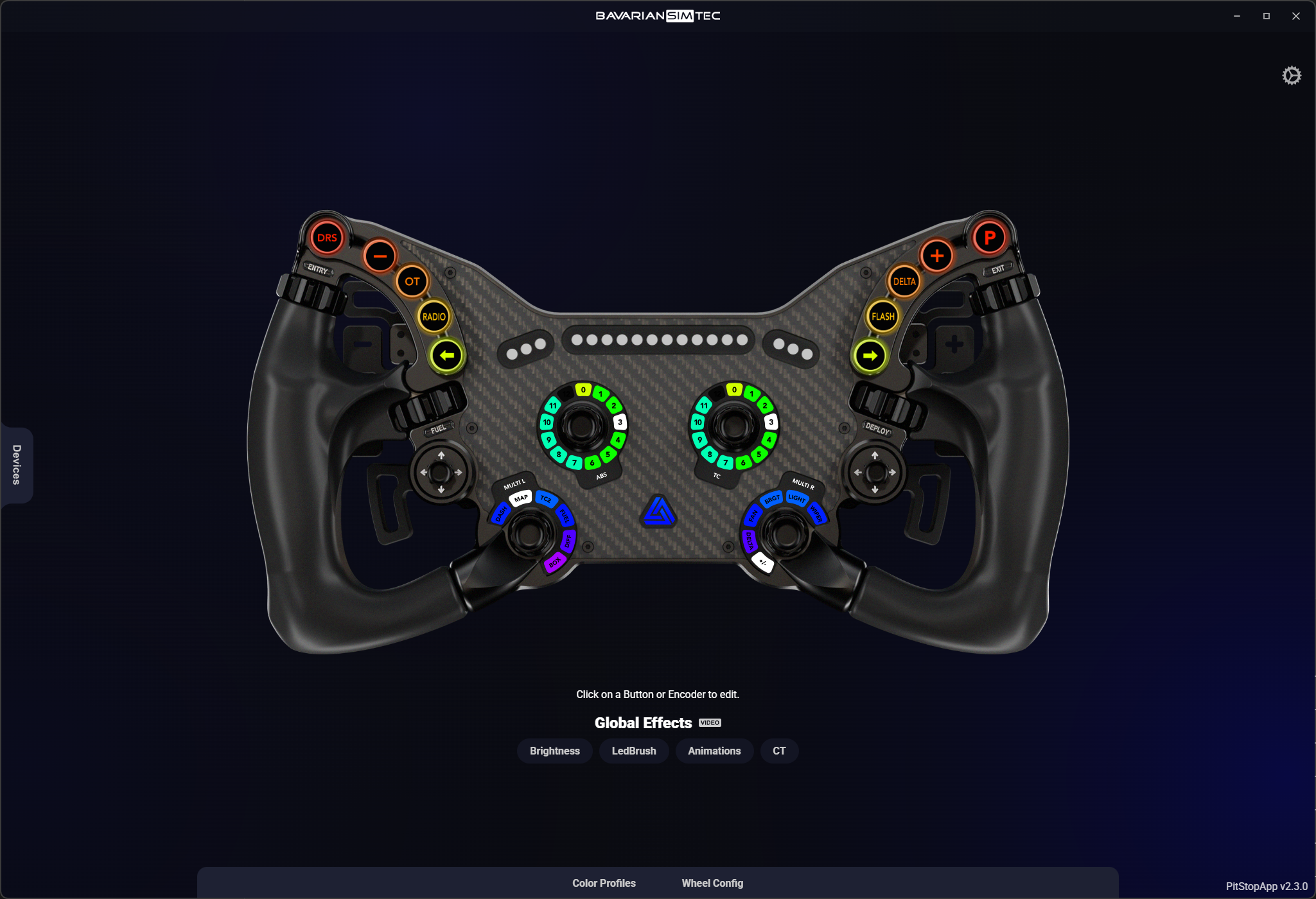
At BavarianSimTec, we are proud to offer our own software, the PitStopApp, which provides an easy setup and a seamless user experience, along with a wide range of features such as animations and car-specific rev lights. Of course, you can also use SimHub to control the LEDs if you prefer.
Install & Start PitStopApp
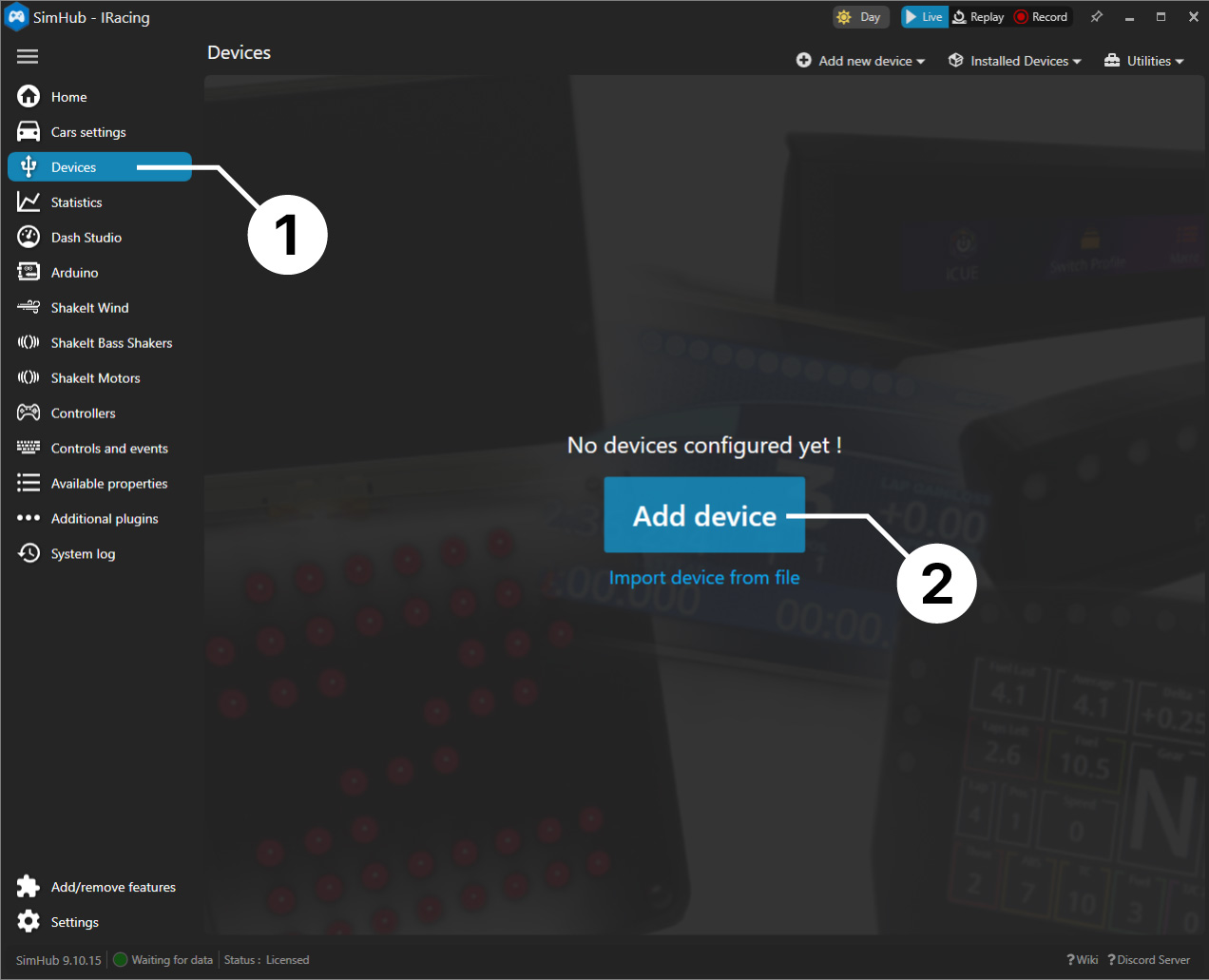
SimHub (optional)
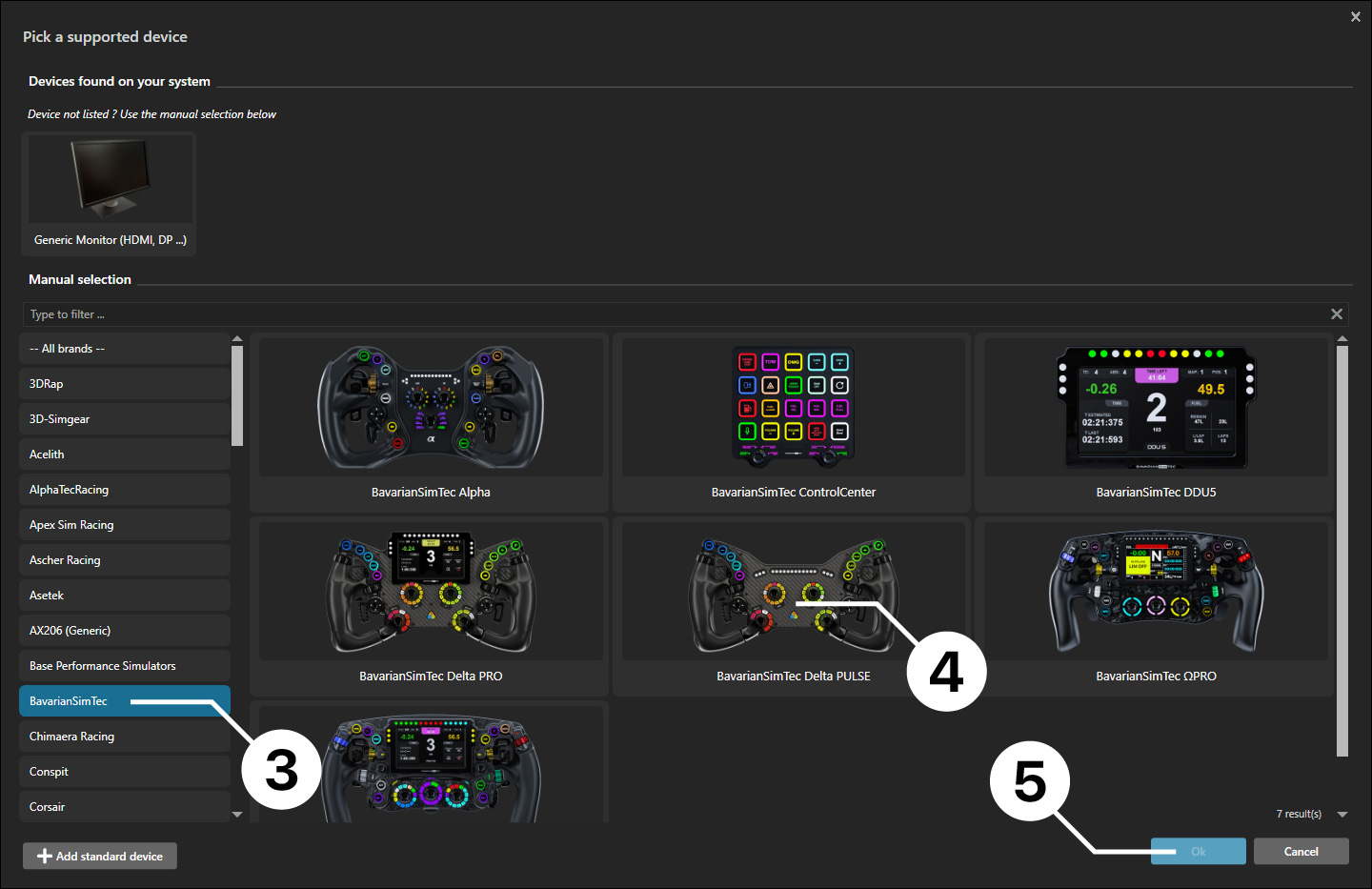
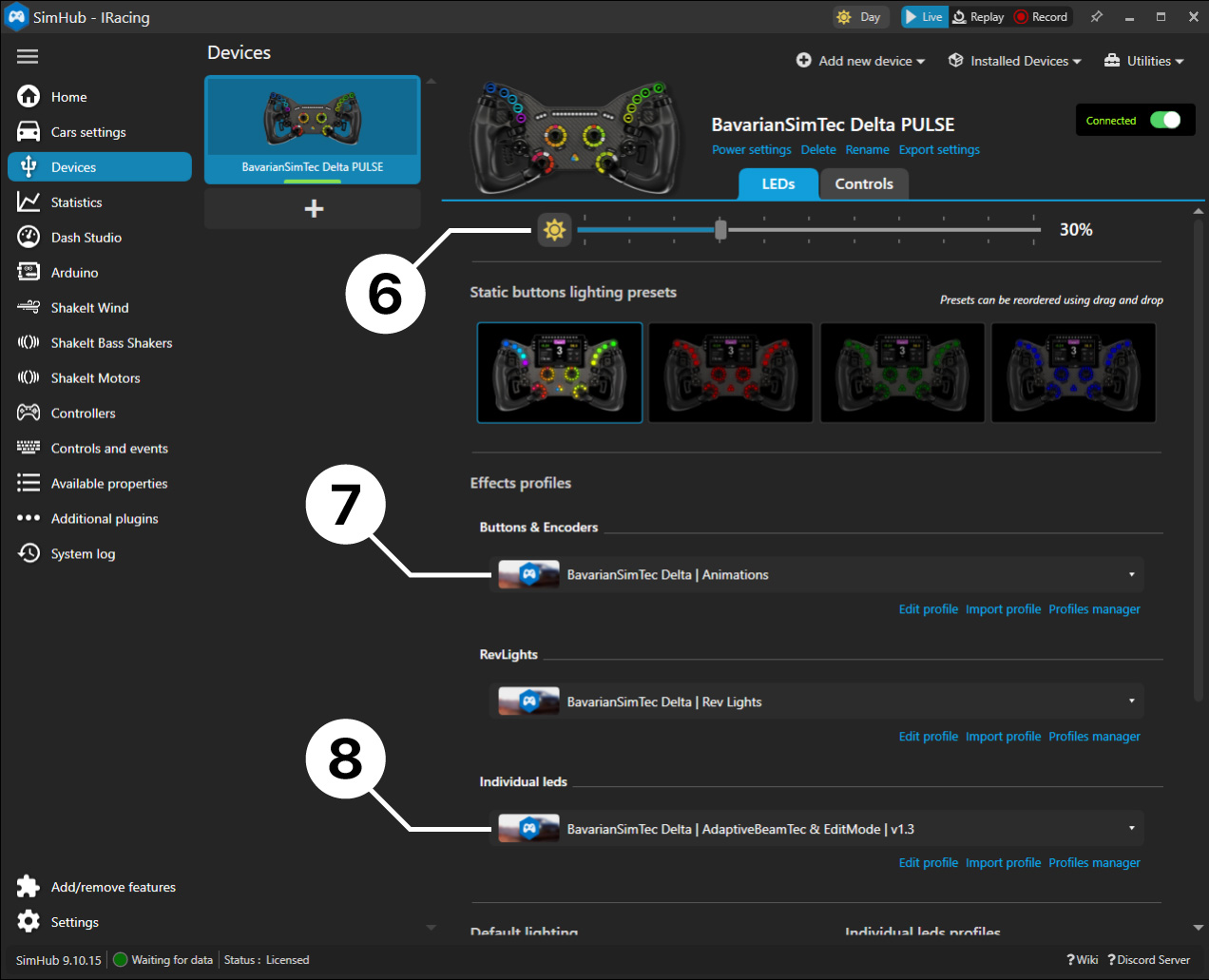
SimHub is a third-party application that can also control the LEDs of your device. While it offers full access to each individual LED, it requires intermediate coding knowledge. We therefore recommend SimHub only for users with advanced computer and programming experience.
Select Device
Setup Delta
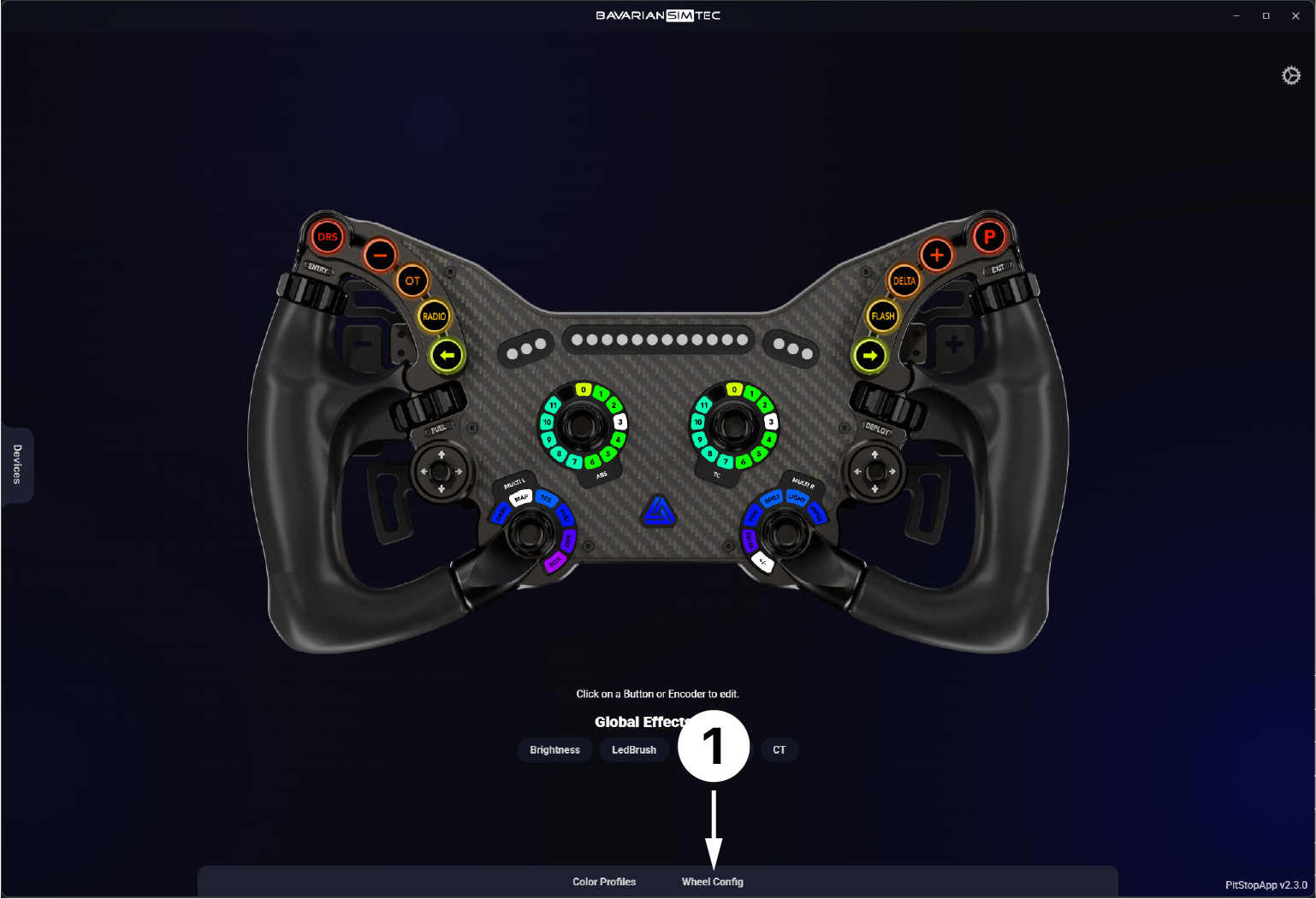
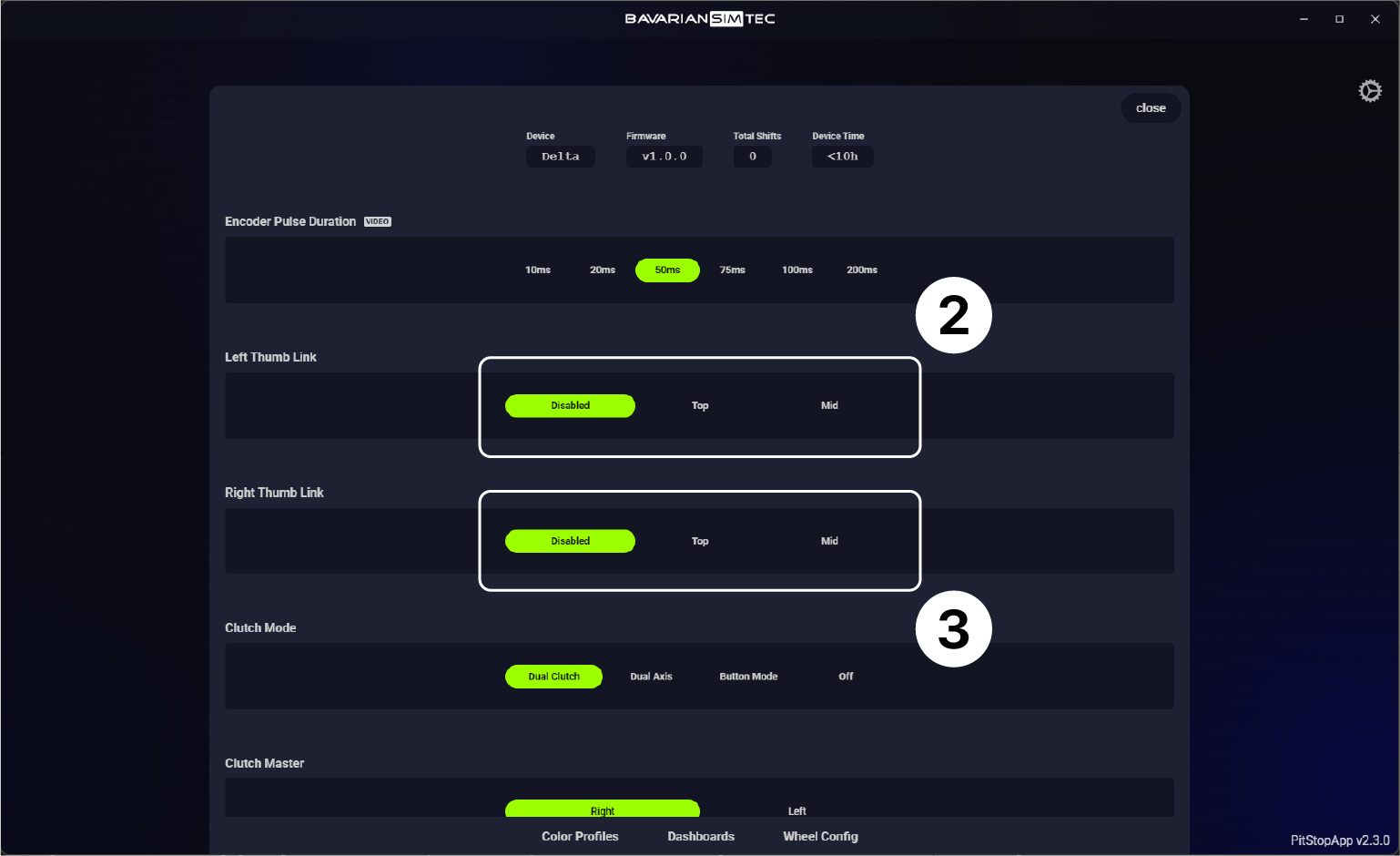
Wheel Settings
Find out how you can setup your clutch, dial in the MultiLink and much more!
Clutch Calibration
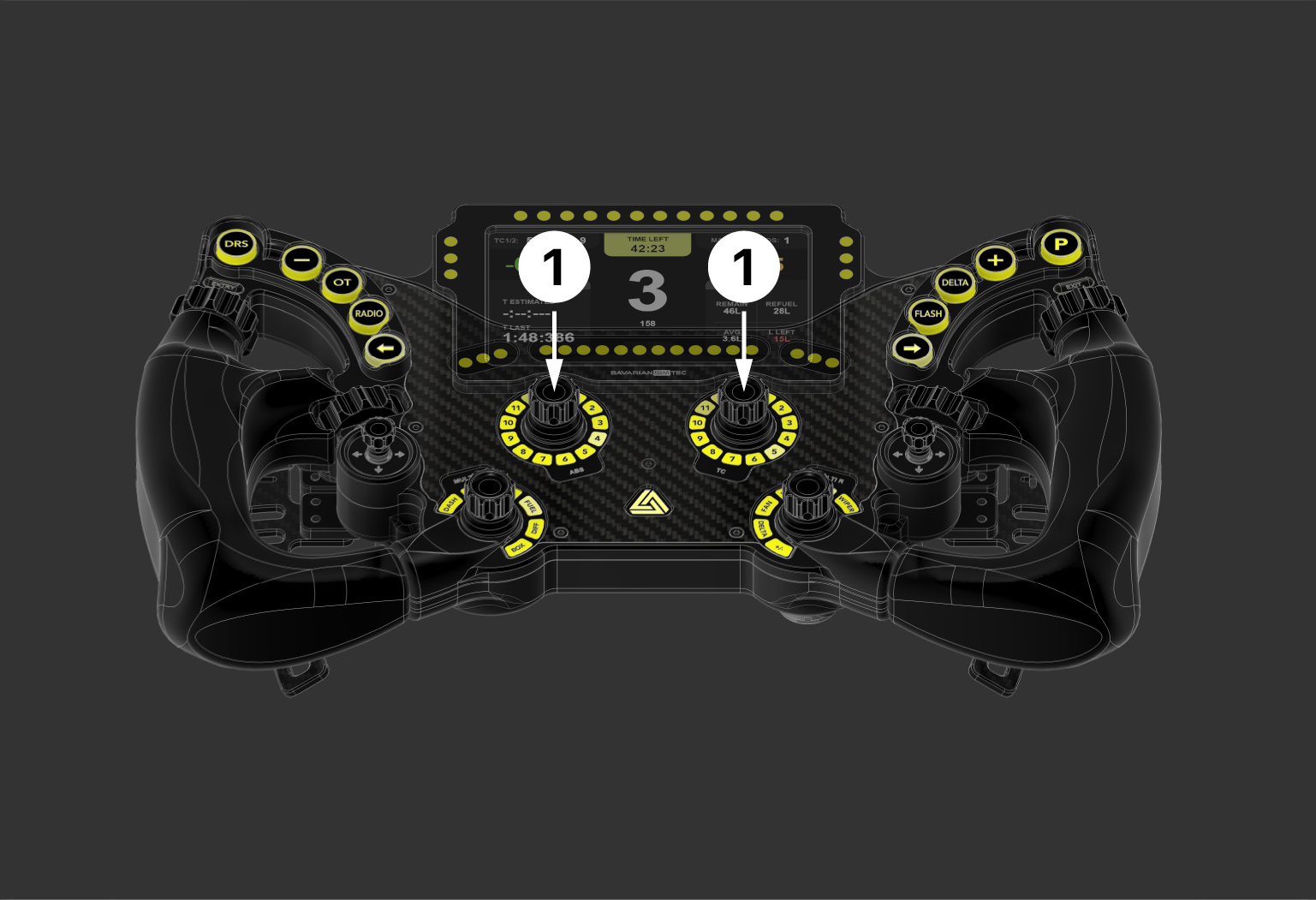
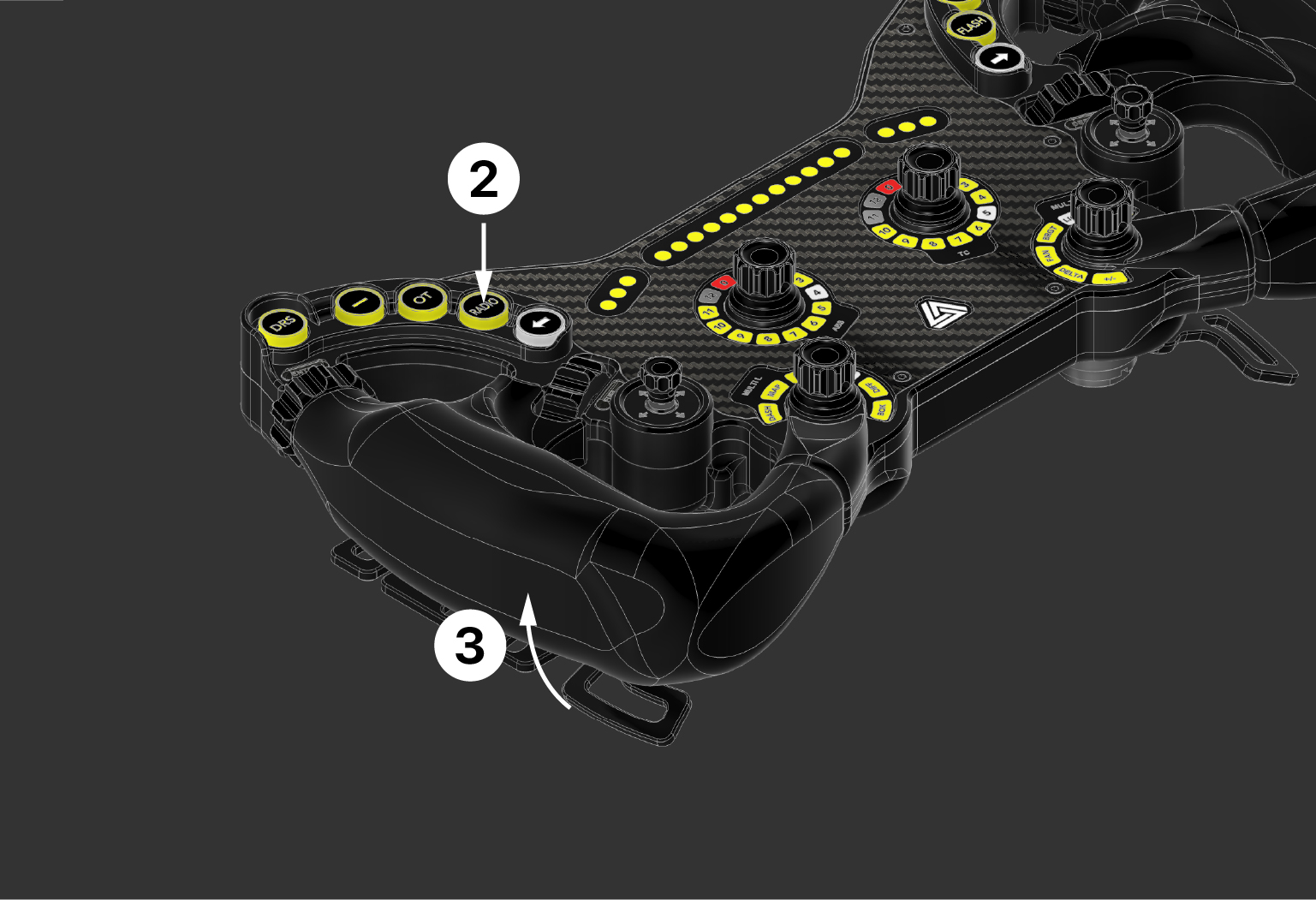
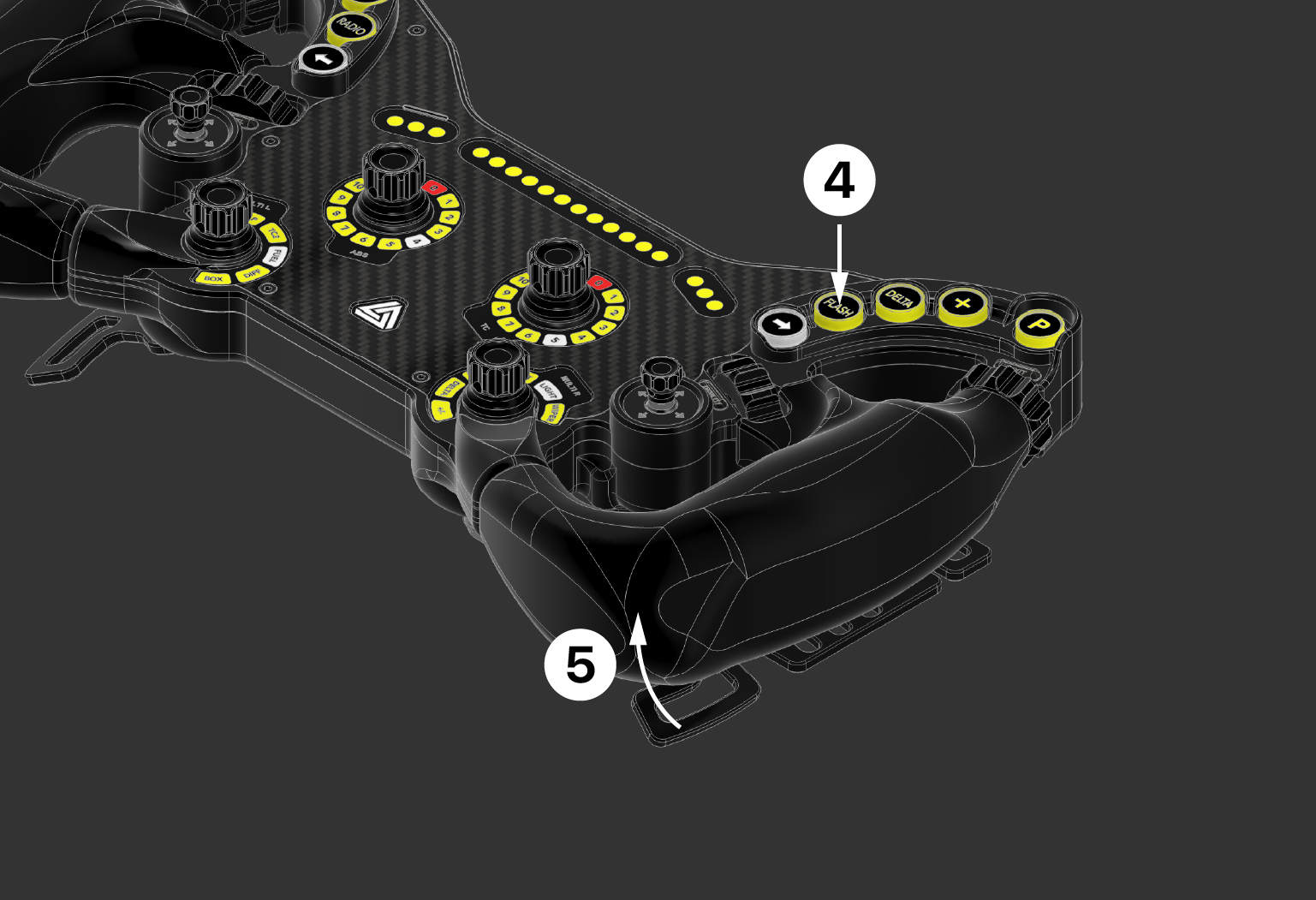
Enter EditMode
Calibrate Left Clutch
Calibrate Right Clutch
Exit EditMode
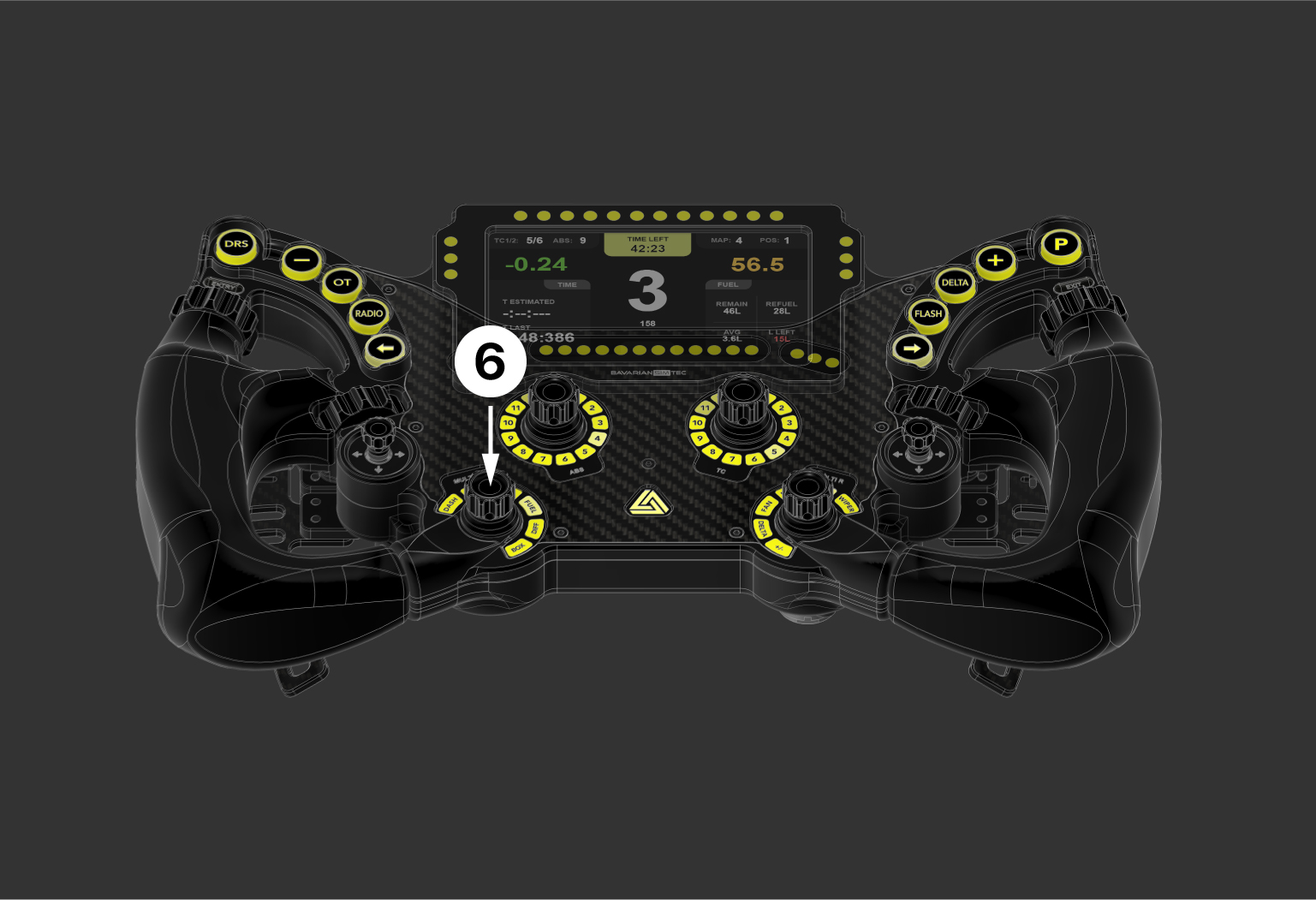
MultiLink
Open PitStopApp